Tracking script
One script tag for cookie-free web analytics: page views, your own events, and identifying a visitor who gives an email. What it collects and never stores.
Availability: Available on Pro, Business and Enterprise, and during the 14-day trial, with the Marketing hub switched on. Compare plans
On this page
The tracking script counts visits to your site without cookies or browser storage, records the events you send, and attaches a visitor's visits to a contact on the day they tell you their email. Tracked sites come with the Marketing hub.
Add your site#
In Settings > Marketing > Web tracking, an Owner or Admin chooses Add site: the Domain (such as example.com), a Name, the Time zone that days and sessions are counted in, and Internal domains, hosts whose referrals are your own traffic. Each site gets its own key, which starts with slx_.
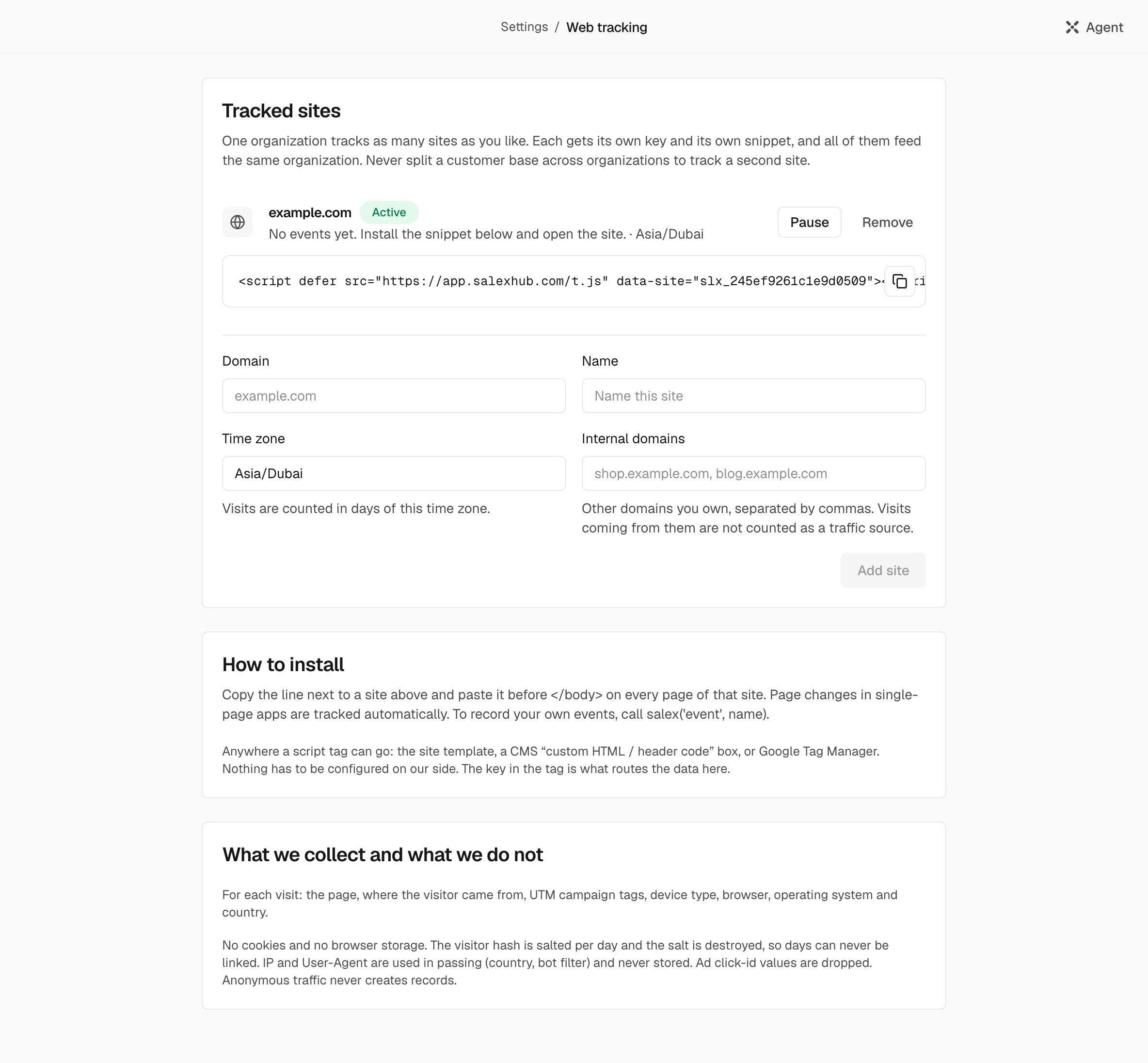
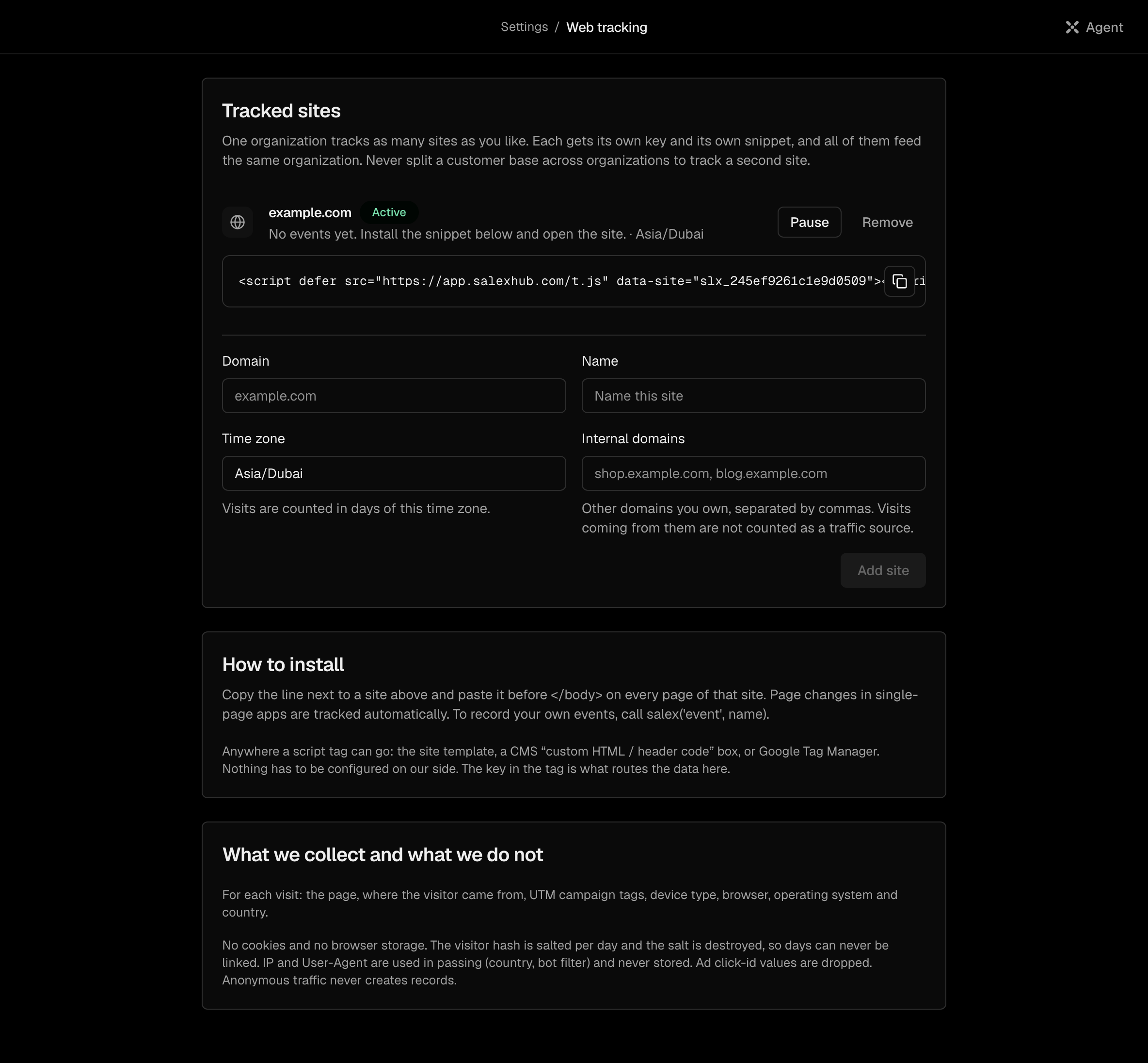
The page shows whether events are arriving: Last event, or "No events yet".
Install the tag#
Paste the line the page shows before </body> on every page of the site:
<script defer src="https://app.salexhub.com/t.js" data-site="slx_4d3c2b1a0f9e8d7c6b"></script>It goes anywhere a script tag can: your site's template, a CMS box for custom header code, or Google Tag Manager. The script counts a page view when the page loads, and again when a single-page app changes its path or query. Changes to the hash are not counted.
Send your own events#
// A named event, with up to a few flat properties.
window.salex && window.salex("event", "quote_requested", { plan: "annual", seats: 12 });

// The visitor told you who they are, for example in a booking form.
window.salex && window.salex("identify", { email: "nadia@example.com" });window.salexexists only after the script has run, and has no queue for earlier calls: check it first, as above.- An event name is up to 120 characters. Properties are flat: a key of up to 64 characters, and a string of up to 300 characters, a number or a boolean. A nested object drops the whole event.
identifytakes an email of 3 to 254 characters.
What identify does#
Within five minutes, the email is matched to a contact, or a new contact is created with Source "Website". That day's visits from the same browser attach to the contact, with the traffic source that brought them. Visits from earlier days cannot be attached: the visitor key changes every day. An email that only looks like an existing contact binds nothing.
Note: The email travels only with the identify call. Page views and events after it are still counted as traffic.
What is collected, and what is not#
| Collected per visit | Never stored |
|---|---|
The page path, without its query string, except the five utm_ campaign parameters | The IP address |
| The referring site and path | The browser's User-Agent string |
| Whether the visit came from a paid search or social click | Click ids from ads, and any other query parameter |
| Device class, browser and OS family | Cookies, or anything in browser storage |
| The country, from the network edge | The part of the address after # |
| Your events and their properties |
The visitor key is computed from the site, the address and the browser with a salt that changes every UTC day, so one day's visits cannot be joined to another's. Anonymous traffic never creates records in your organization.
Filters and limits#
- Requests without a browser User-Agent, or from a known bot, are dropped.
- A browser request must come from the registered domain or its subdomains, with
www.ignored. - A site takes up to 1,200 events a minute, and each sender, known by its address, up to 120 of them; one request carries up to 20 events and 16,384 bytes.
- The endpoint answers
202to every request. When an event is dropped, the reason is in thex-salexhub-droppedresponse header, such asorigin,botorrate.