API keys, REST and MCP
How to issue an API key, what it may do, and how to call the REST API and the MCP server with it. The TypeScript SDK is not published yet.
Availability: Available on every plan. Compare plans
The REST API and the MCP server are open on the same registry of tools the Agent and workflows use, and a key you issue here is what calls them. The AI Gateway API is a separate door with keys of its own: see AI Gateway keys. The TypeScript SDK is generated from the same contract and is not published.
| What | Status |
|---|---|
| API keys | Issued and revoked in Settings |
| REST API | Open: one operation per tool, at https://app.salexhub.com/api/v1 |
| MCP server | Open: the same tools for agents that speak MCP, at the same address |
| AI Gateway API | Open, with keys of its own: the models your organization can run, through an OpenAI-compatible API |
| TypeScript SDK Coming soon | A generated client, and helpers to verify signatures. Not published yet |
Issue a key#
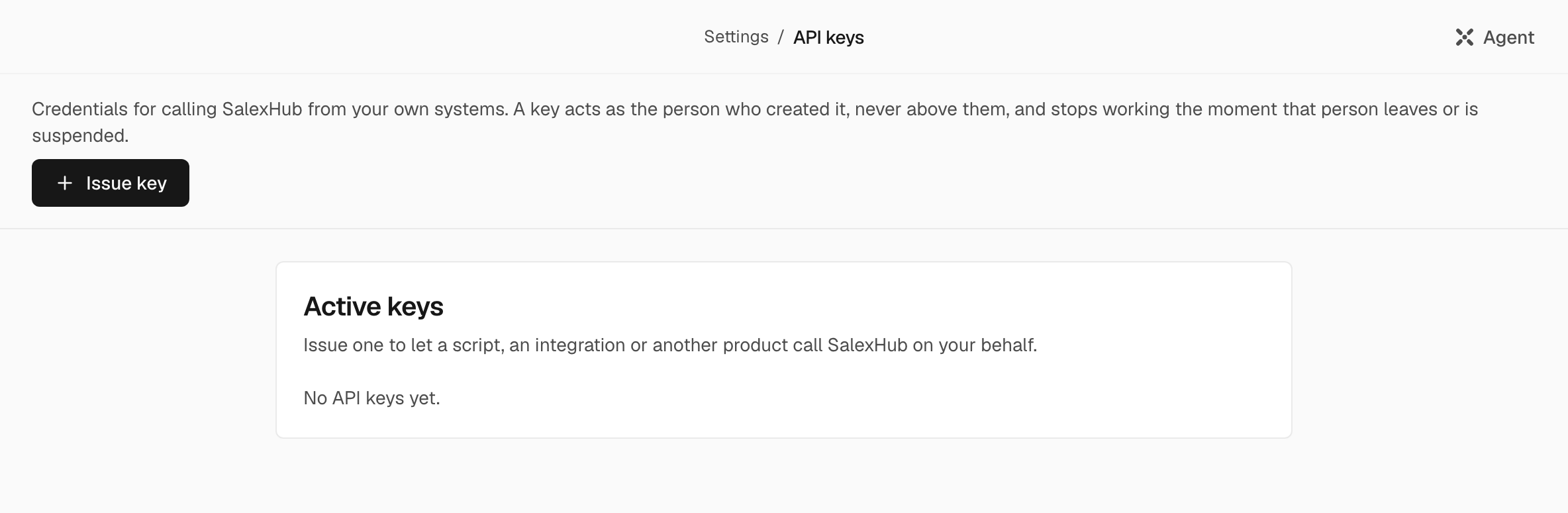
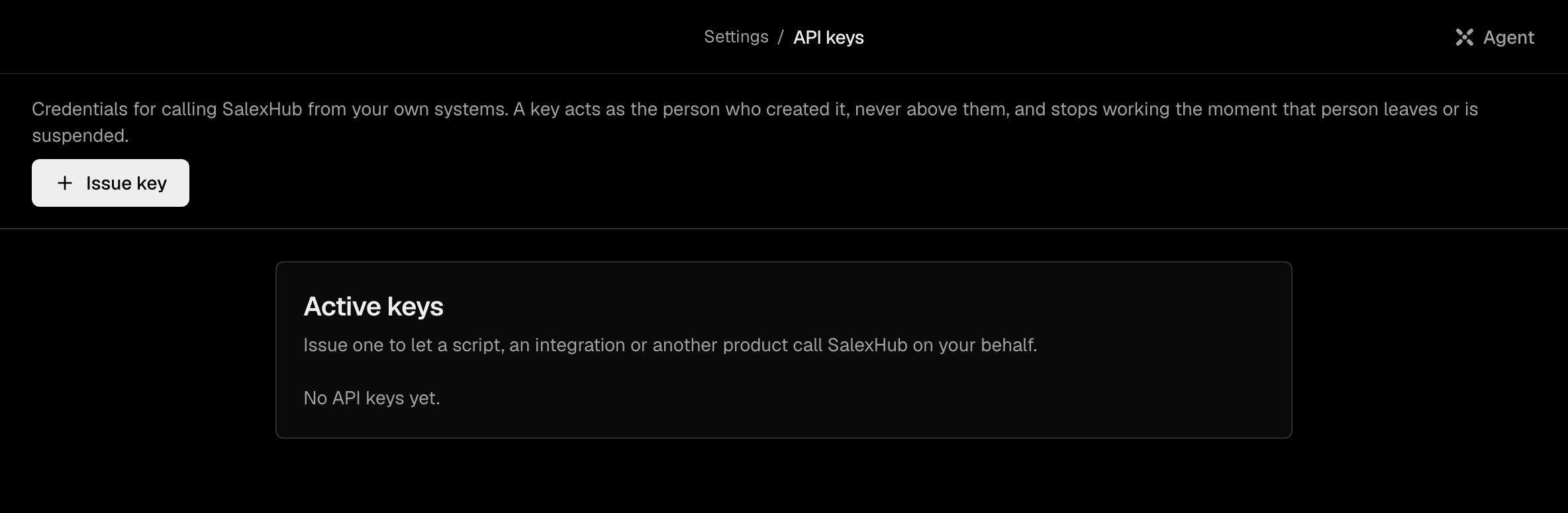
Keys are issued in Settings > Developers > API keys by someone with the security permission (Sign-in and API keys in a role): Owners and Admins, and any custom role given it. Someone whose account belongs to another organization also needs this organization to allow their keys. An organization holds at most 20 live keys.
Choose Issue key#
Give the key a Name, and choose when it Expires in: 30 days, 90 days (the default) or 1 year.
Store it#
Create key shows the key once. Copy it and store it: it cannot be shown again. If you lose it, revoke it and issue a new one. If you have not signed in within the last two hours, SalexHub first asks you to confirm it is you.
Only a person issues a key: no agent can, in any mode.
What a key may do#
The screen says it: "A key acts as the person who created it, never above them, and stops working the moment that person leaves or is suspended."
- A key carries its creator's role, and acts at the weaker of that role and the creator's role at the moment of use, checked again on every call.
- It stops working when the creator is deactivated or frozen, when it expires, when it is revoked, or when the organization is closed. An unknown, revoked and expired key all get the same answer.
- A key calls only tools that need no approval. A tool that would draw an approval card for the Agent is refused to a key, and so is one no agent may run. A key with the Viewer role only reads.
- The screen issues keys that reach every tool the role allows. Limiting a key to certain tools is not on the screen; the one limited key the product makes is an AI Gateway key, shown as Limited to
ai.gateway. - The keys page lists each key's name, its visible start, the role it acts as, what it is limited to, when it was last used and when it expires. Revoke stops a key at once, and cannot be undone.
AI Gateway keys#
The AI Gateway API is open: your own code calls the models your organization can run, with any OpenAI-compatible SDK. In Settings > AI > AI Gateway > Keys, an Owner or Admin gives a key a Key name and chooses Create key. The key is shown once.
- Such a key is limited to
ai.gateway: it calls this API and no tool. Every rule above applies to it, and it expires after 1 year. - Base URL, on the same page, is the address, ending in
/api/ai/v1.POST /chat/completionstakes OpenAI's Chat Completions request with the key as a bearer token, andGET /modelslists the model ids you can name. - A call runs on your organization's own provider key where one serves the model, otherwise on SalexHub, paid with AI credits.
Calling the API#
The base address is the product's own: https://app.salexhub.com/api/v1. The key goes in the Authorization header as a bearer token, and the body is the tool's own input.
curl https://app.salexhub.com/api/v1/tools/record.list \
  -H "Authorization: Bearer $SALEXHUB_API_KEY" \
  -H "Content-Type: application/json" \
  -d '{"objectType": "contact", "limit": 10}'
GET /api/v1/openapi.jsonis the contract: one operation for each tool in the registry, with its input and its answers. It also lists the twelveautomation.*names, renamed toworkflow.*on 18 September 2026: they are marked deprecated, answer withDeprecationandSunsetheaders, and keep working until 17 March 2027.- An unknown, revoked or expired key, and a request with no key at all, get the same
401. A refusal never says which of them it was. - A request body is at most 1 MB.
- Every answer to a valid key carries
RateLimit-Limit,RateLimit-RemainingandRateLimit-Reset, so a client learns its budget without being refused first. Over the budget the answer is429withRetry-After. - Send an
Idempotency-Keyheader on a write to make a retry safe: the same key answers from the first result for 24 hours, and the replay carriesIdempotent-Replayed: true.
MCP#
POST /api/v1/mcp speaks MCP over Streamable HTTP, stateless, protocol version 2025-06-18, with the same key as a bearer token. GET and DELETE answer 405: nothing is streamed from the server.
Two listings over the same door:
/api/v1/mcplists a few entries for looking a tool up and then calling it. This is the default, because the whole catalogue would spend a large part of a model's context before anyone typed a word./api/v1/mcp/fulllists every tool the key may call, flat, for a client that filters the list itself.
Tool names on the wire carry underscores where the registry uses dots: record.create is record_create.
Note: Settings > AI > MCP servers is something else: there, you connect remote MCP servers for the Agent to call.