Set a rule once. It holds at every door.
A record rule says what a record must have when something is true of it. It is checked on every save, whether the record is typed in, written by the Agent, sent through the API, imported or changed by a workflow.
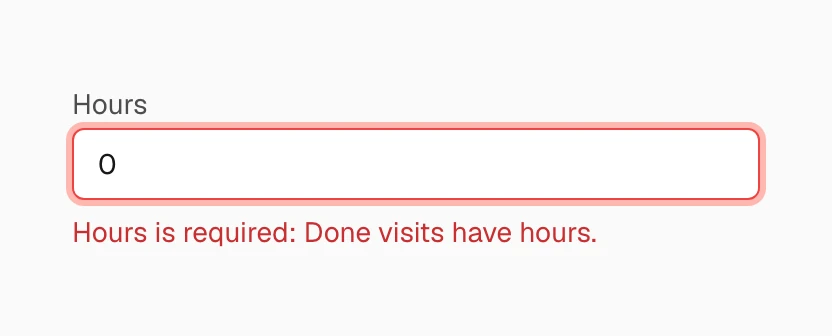
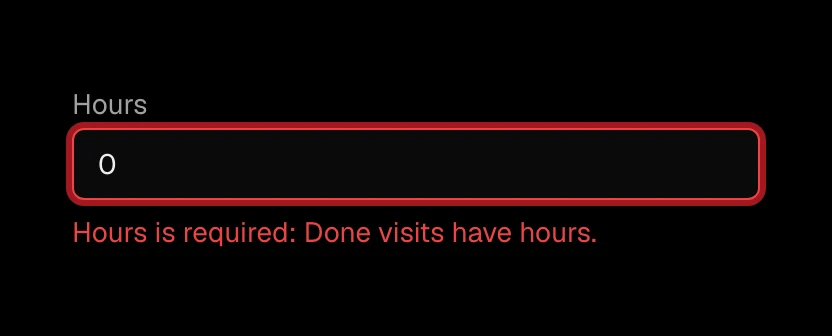
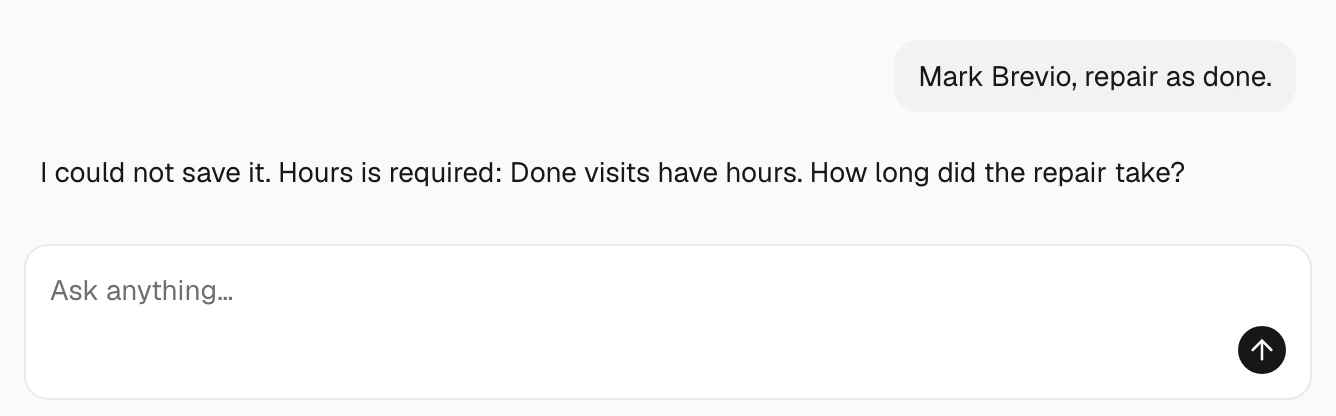
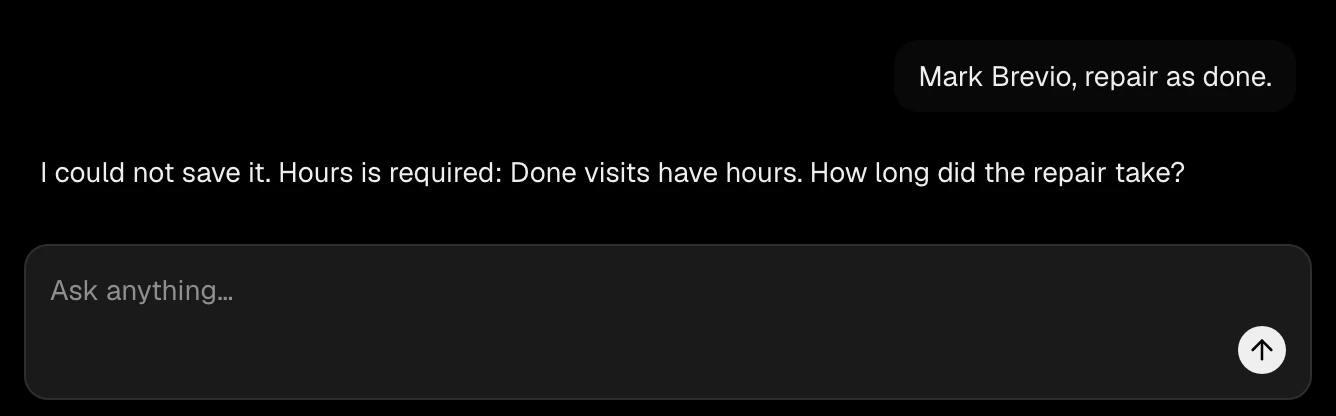
The save is refused in the rule's own words, where the change was made.
A rule in four parts.
- WhenConditions on the record's own properties, such as a status of Done.
- ThenRequire properties, allow only some options, or refuse the save with your message.
- CheckedOn every save, or when a record is created.
- Applies toPeople and agents, agents only, or the agents of other companies.
- On screen
- The Agent
- The API
- An import
- A workflow
Before you turn a rule on, check the records you already have against it. Up to 100 rules on each kind of record.
Ask the Agent next
- Add a rule: a done visit must have its hours.
- Which service visits would break that rule today?