Custom objects
SalexHub fits the business you have, not the other way round.
Add the kinds of records your trade keeps, with the details you track. Formulas work out the rest, each person gets the view they work from, and your rules hold on every save, whoever makes it.
Ask in the chat. It stands in the app.
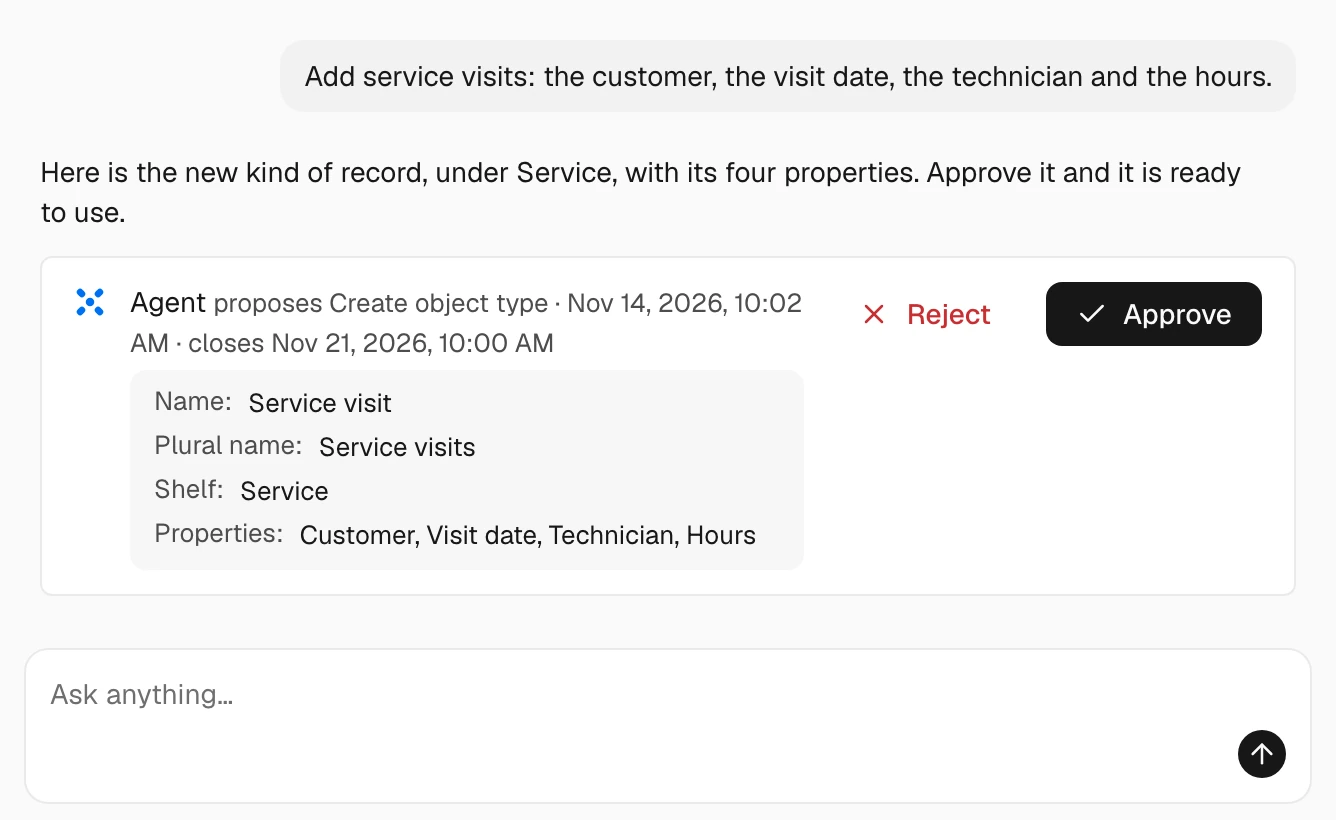
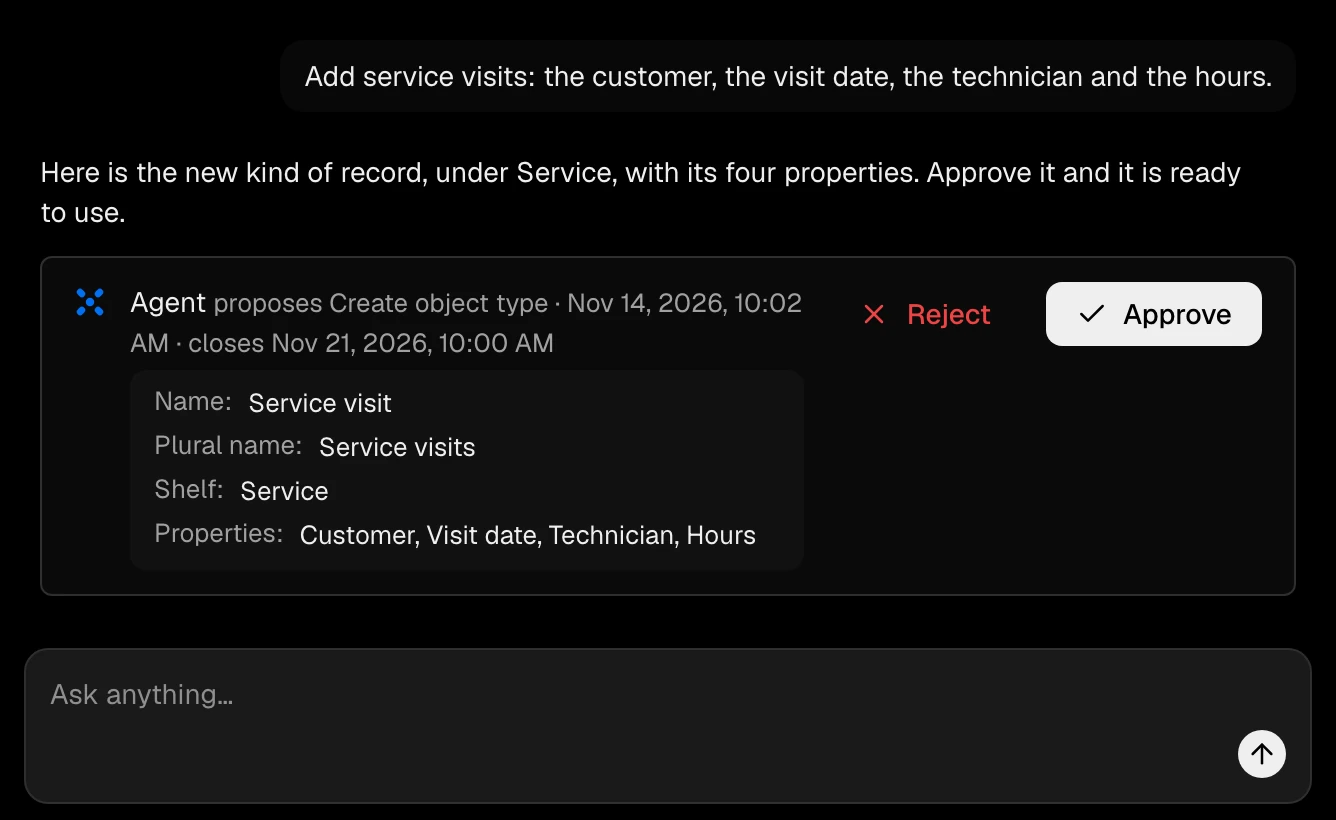
Describe a new kind of record in your own words and approve what the Agent proposes. Its list is ready the moment you do, and you can always set one up yourself in Settings.
Ask the Agent next
- Add vehicles with a plate number, the next service date and the driver.
- What kinds of record do we keep under Service?
Your business, as it really is.
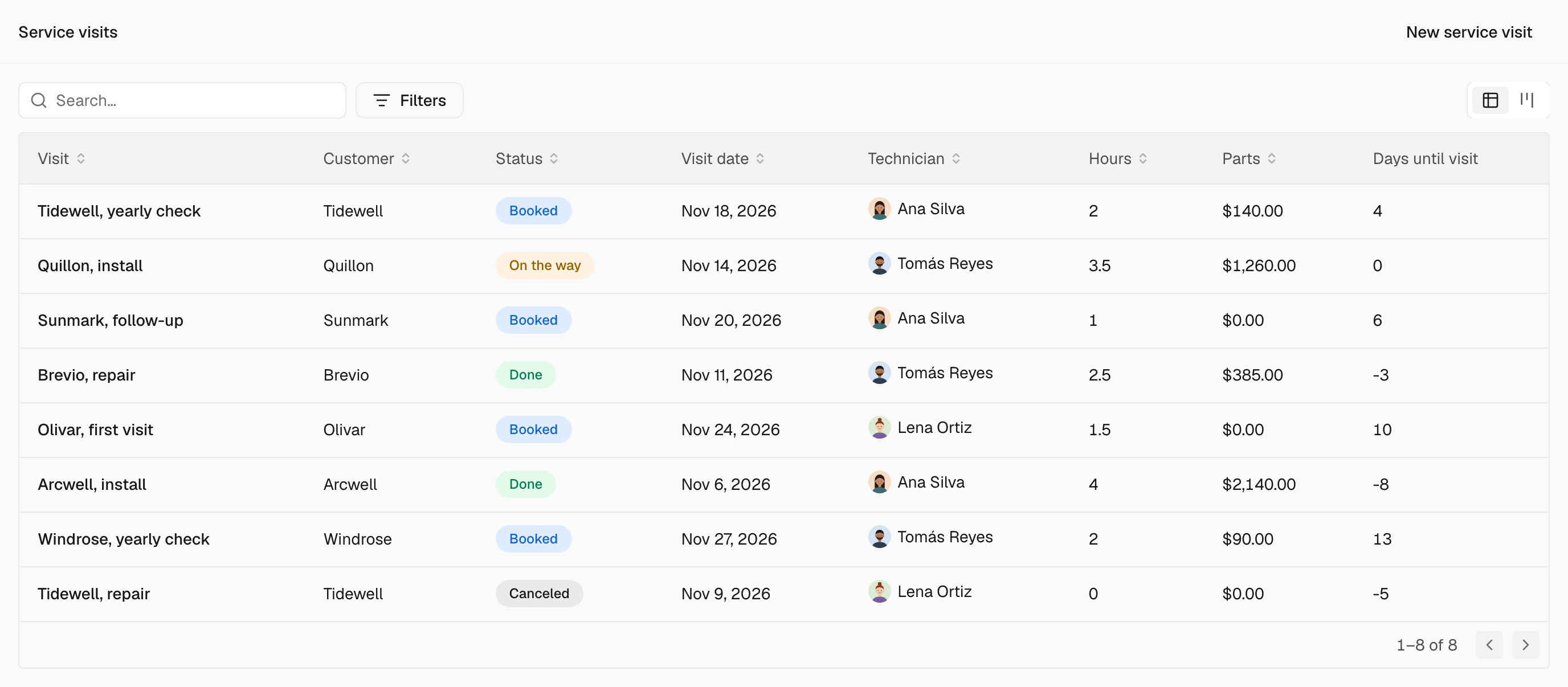
Every trade keeps things no ready-made system knows about: site visits, vehicles, samples, service visits. Add them, track the details that matter, and work with them like any other record.
Where it lives
The kinds of records your trade keeps
Name a new kind of record, give it an icon and say which part of the business it belongs to: at the root beside Contacts, or on a module's shelf such as Sales or Inventory. It gets its own list, record pages and properties, and works everywhere the built-in records do.
Properties
Details that work themselves out
Eighteen kinds of property, from dates and amounts to addresses, files and official numbers checked against their format. Formulas compute a value from the others, such as the days until a delivery, and rollups count or add up the records linked to this one, never mixing currencies.
Properties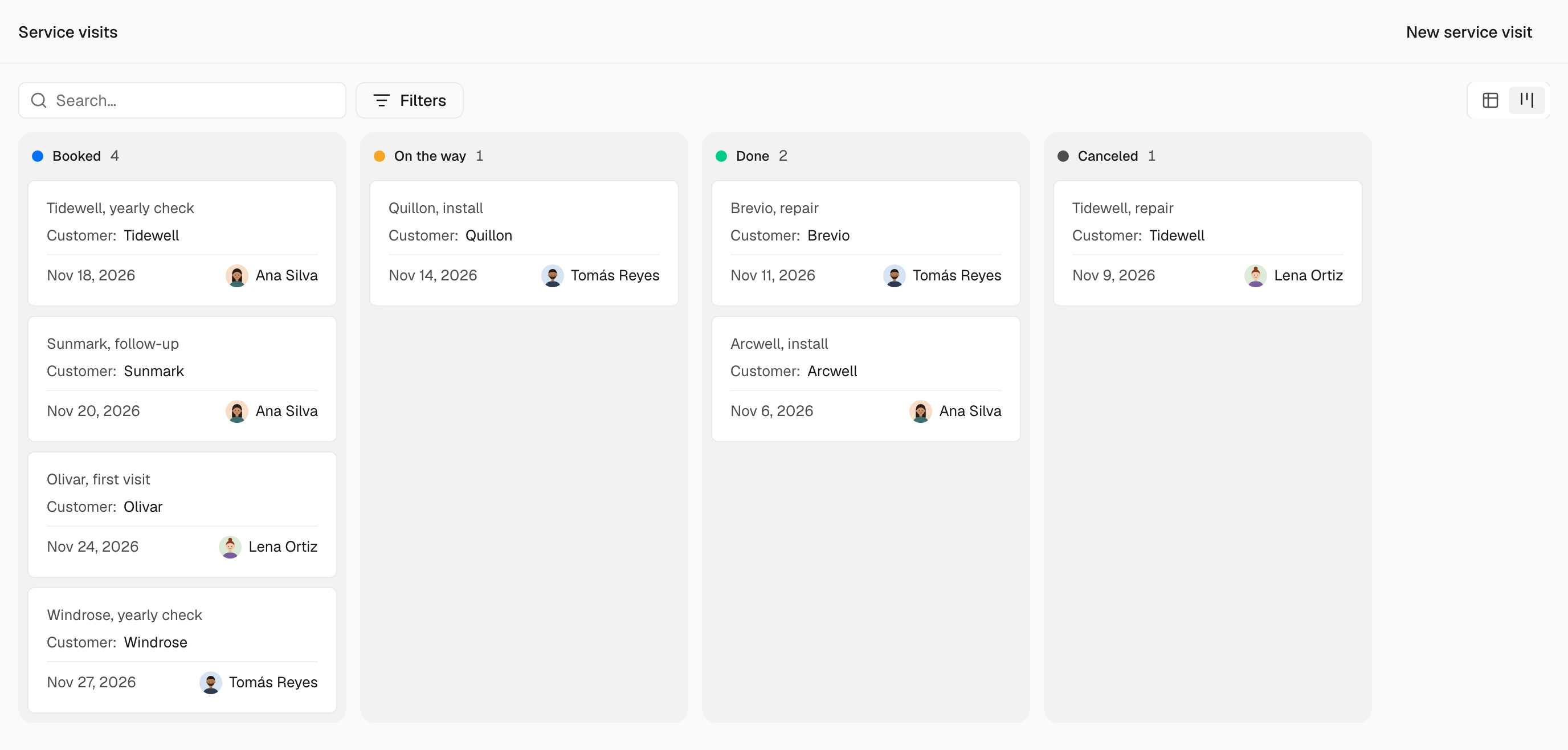
Views
A view for each way of working
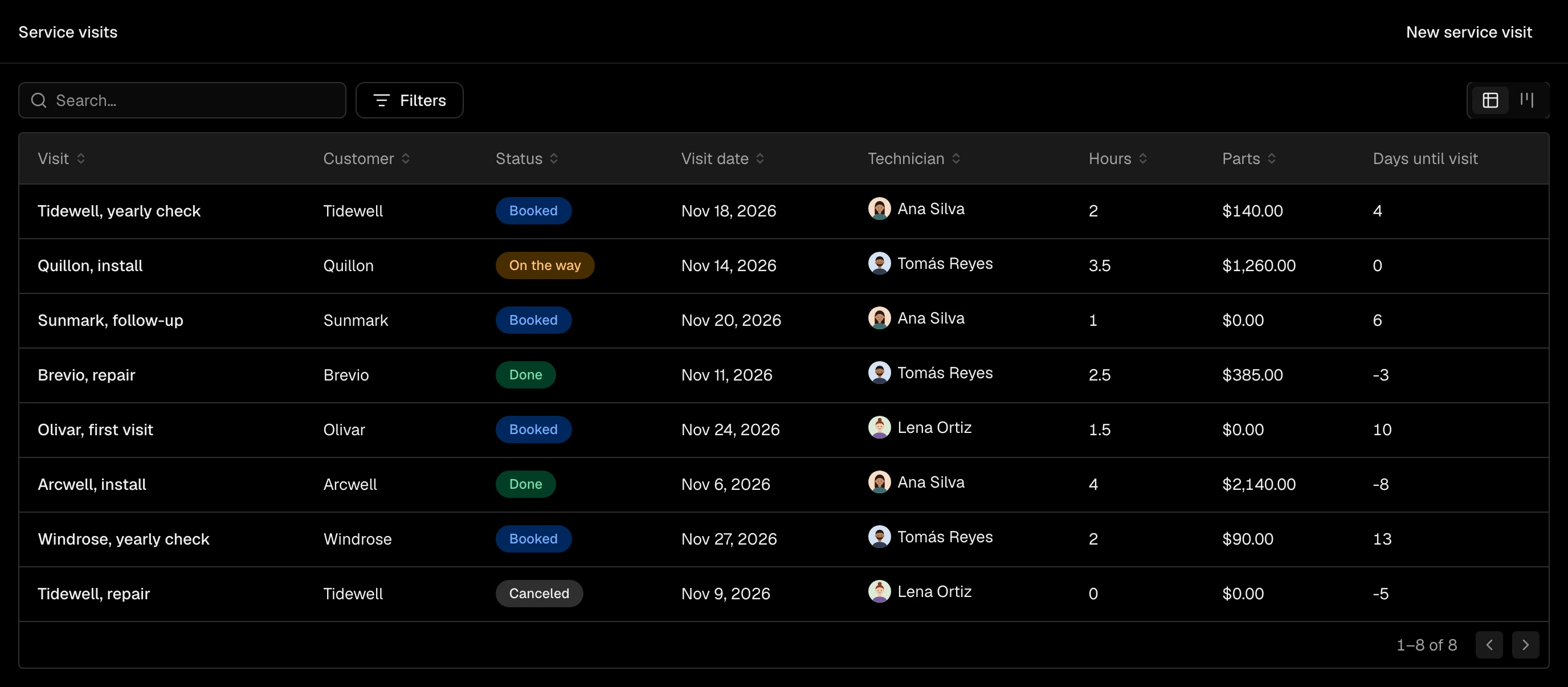
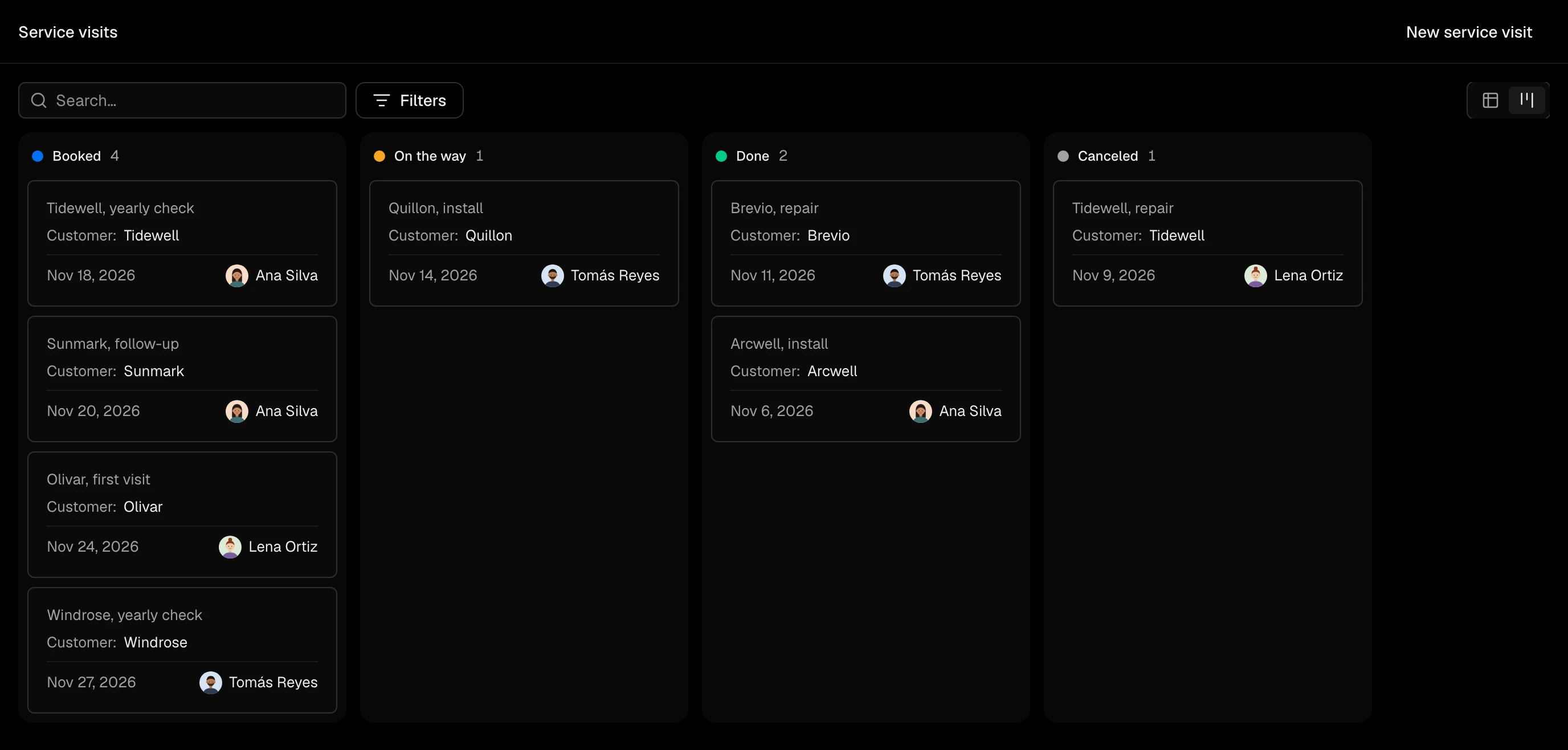
Your own records open as a table, and as a board once they have stages, filtered the way you need and saved for you, your team or everyone. Keep a list of the records that matter, by hand or by a rule that keeps it up to date.
ViewsOne rule, kept at every door.
A rule written once holds for every save of a record: on the screen, in a conversation with the Agent, in an import and in a workflow. Nobody can step around it by choosing another way in.
Record rulesOn the screen
The save stops, and says why
The deal is not saved, and the rule's own message says what is missing: a budget confirmed for a deal above the amount the rule names.
In a conversation
The Agent meets the same rule
The change the Agent prepared is refused like anyone's, and it tells you what the rule needs instead of finding a way around it.
In an import
One row refused, the rest saved
The rows that meet the rule are saved, and the one that does not is listed with the rule's message.
In a workflow
The run stops at the step
The step that would have broken the rule does not act, and the run's history shows where it stopped and why.
Your data, the way you set it.
Shaping the system never means loosening it. Each property carries its own rules for who sees it and what may change it.
Privacy of each propertyPrivate values stay private. Mark a property as personal or sensitive and it starts hidden from those who should not see it. Sensitive values also stay out of workflow and AI templates.
Sealed with your own key. On Enterprise an admin can keep a property encrypted with your organization's own key, so no model ever reads it. A property's sensitivity can be raised, never lowered.
You decide what AI may change. For each property, choose whether AI may change it, only propose a value for a person to accept, or never touch it. What it changes on its own, the property's history shows with what it was based on.
Nothing is quietly lost. Every record keeps its edit history. A deleted record waits in the recycle bin, 30 days unless your admins choose another period, and on Business and Enterprise a merge can be undone.
Questions about custom objects
Do my own record types work with reports and workflows?
Yes. They can be counted in reports, start and change in workflows, and be read and proposed by the Agent, like any built-in record.
Do I need to write code for formulas?
No. A formula is a short expression over the record's other properties, such as the days until a date, from a fixed set of functions. It never runs code.
Does a record rule hold for my website's form?
Record rules hold for people and agents working in SalexHub: the screen, the Agent, the API, an import and a workflow. A form on your site, a connector and incoming mail are not held by them.
What happens to the other record when I merge two?
Its links, timeline, comments and files move to the record you keep, and it goes to the recycle bin. On Business and Enterprise the merge can be undone.
Keep what your business keeps.
Start with the records you already have, then add the ones only your trade needs. The rules you write hold from the first save.