Private where it must be.
Mark how sensitive each detail is, decide who sees it and what AI may do with it, and see every change to every value, and who made it.
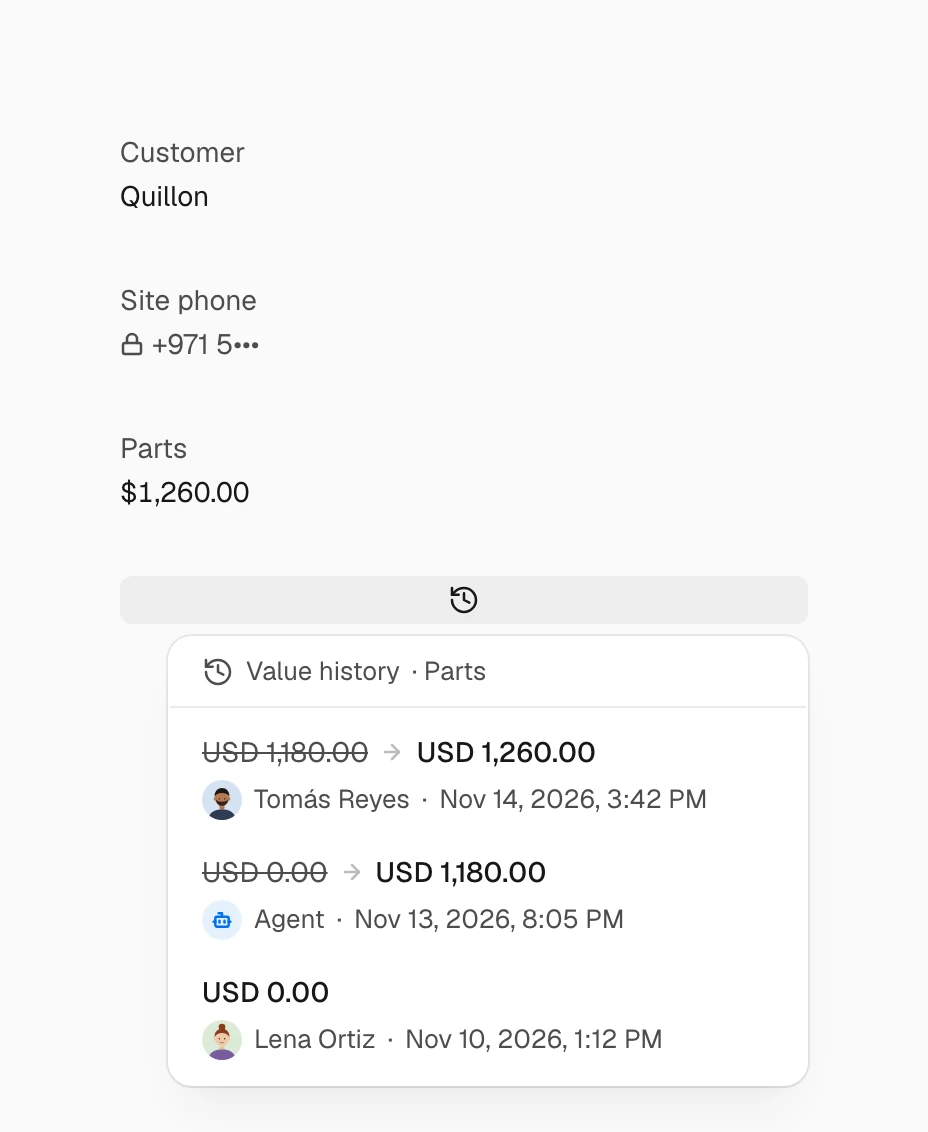
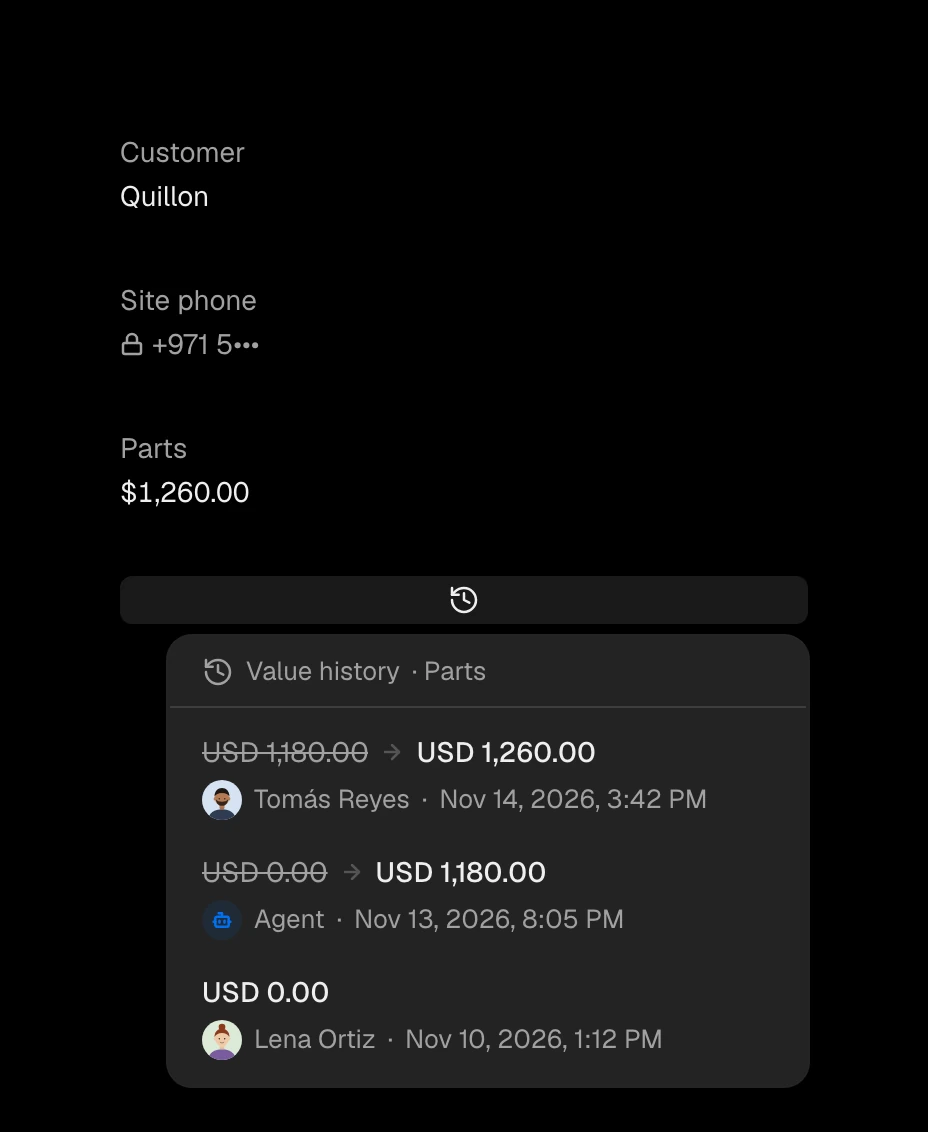
Every value keeps its history: who changed it, from what to what, and when, with a way to restore an earlier one.
Ask the Agent next
- Which properties of service visits hold personal data?
How sensitive it is.
- NoneAn ordinary detail.
- PIIPersonal: hidden behind a hint for viewers, and erased when a person asks.
- SensitiveEach time someone reads it, the audit log says who.
- Highly sensitiveThe most guarded, kept out of document templates.
A property's sensitivity only goes up, never down.
Who sees it.
- Edit
- View
- Masked
- Hidden
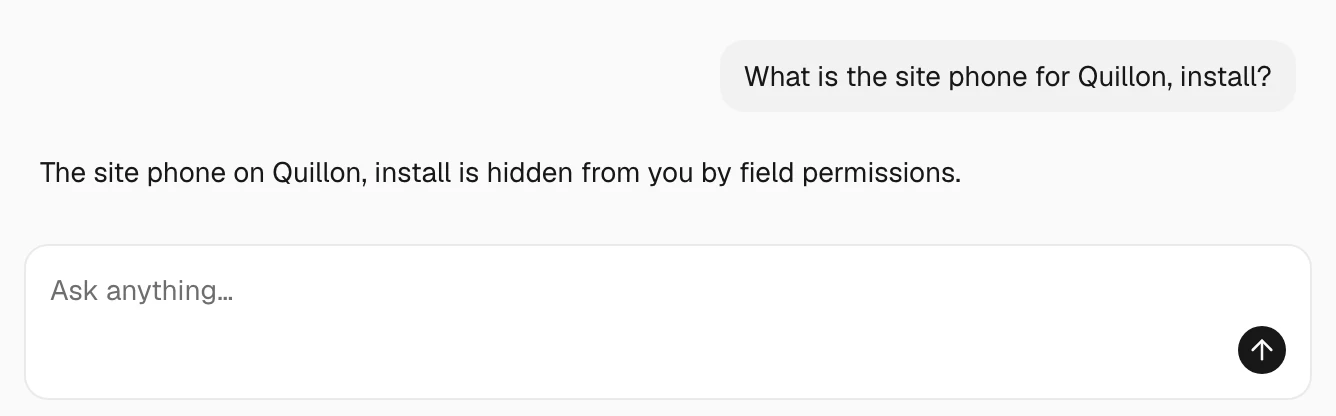
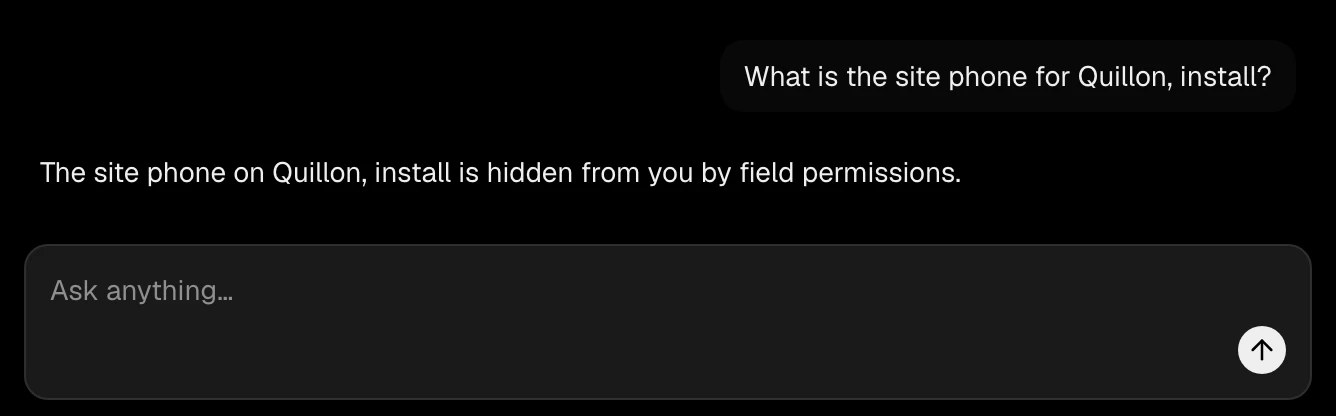
Masked shows a hint and never the value; Hidden means the property does not exist for them. It holds in lists, search, exports and the Agent too.
What AI may do with it.
- Default
- Never change it
- Propose a change
- Change it
The Agent, filling from activities, agents and AI steps in workflows all follow it.
Enterprise
Keep it encrypted.
A sealed property's values cannot be sorted, filtered by range, summed or read by AI, and the seal cannot be taken off.