Every detail you keep, on the record it belongs to.
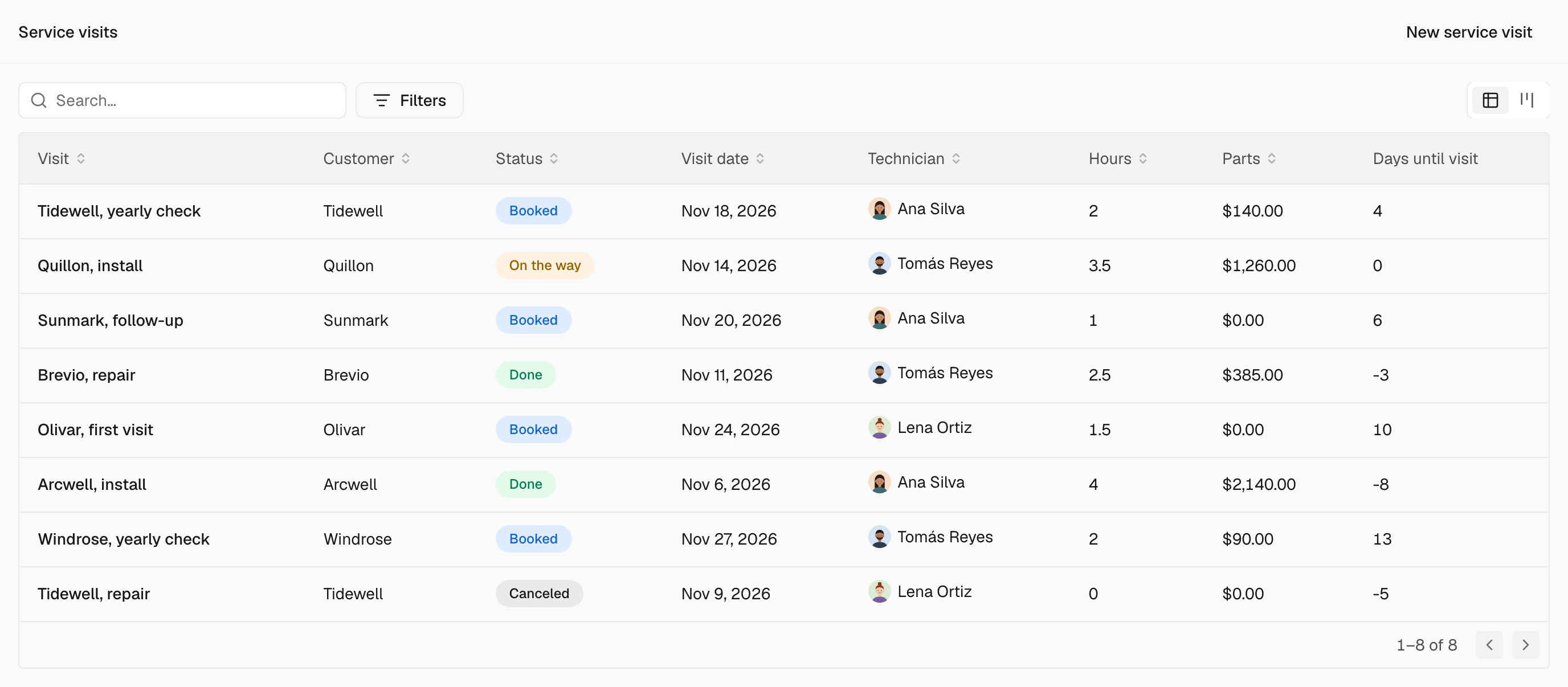
Add the details your business tracks to any kind of record, built in or your own. Each one has a kind, so a date is a date, an amount carries its currency and a choice comes from a list you set.
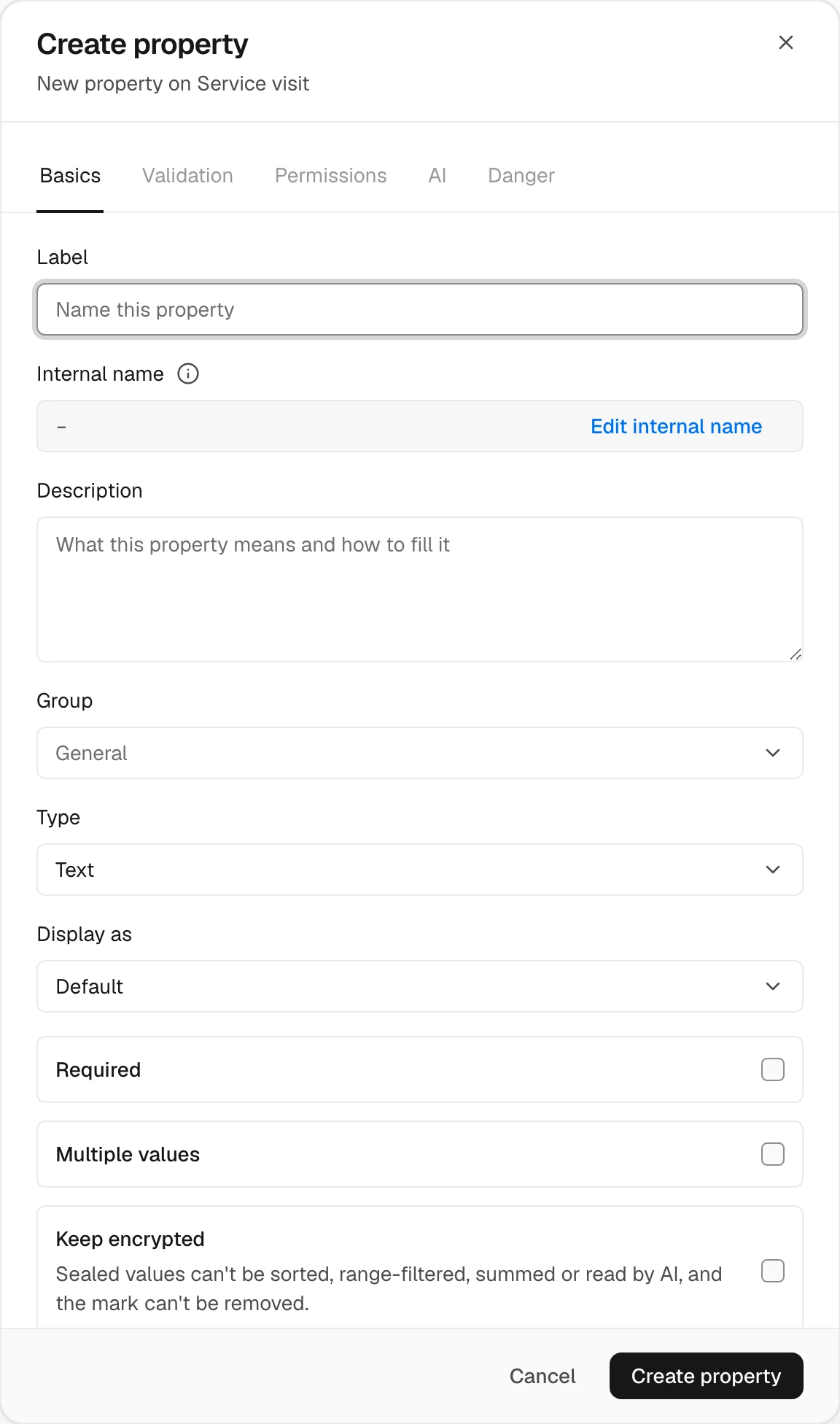
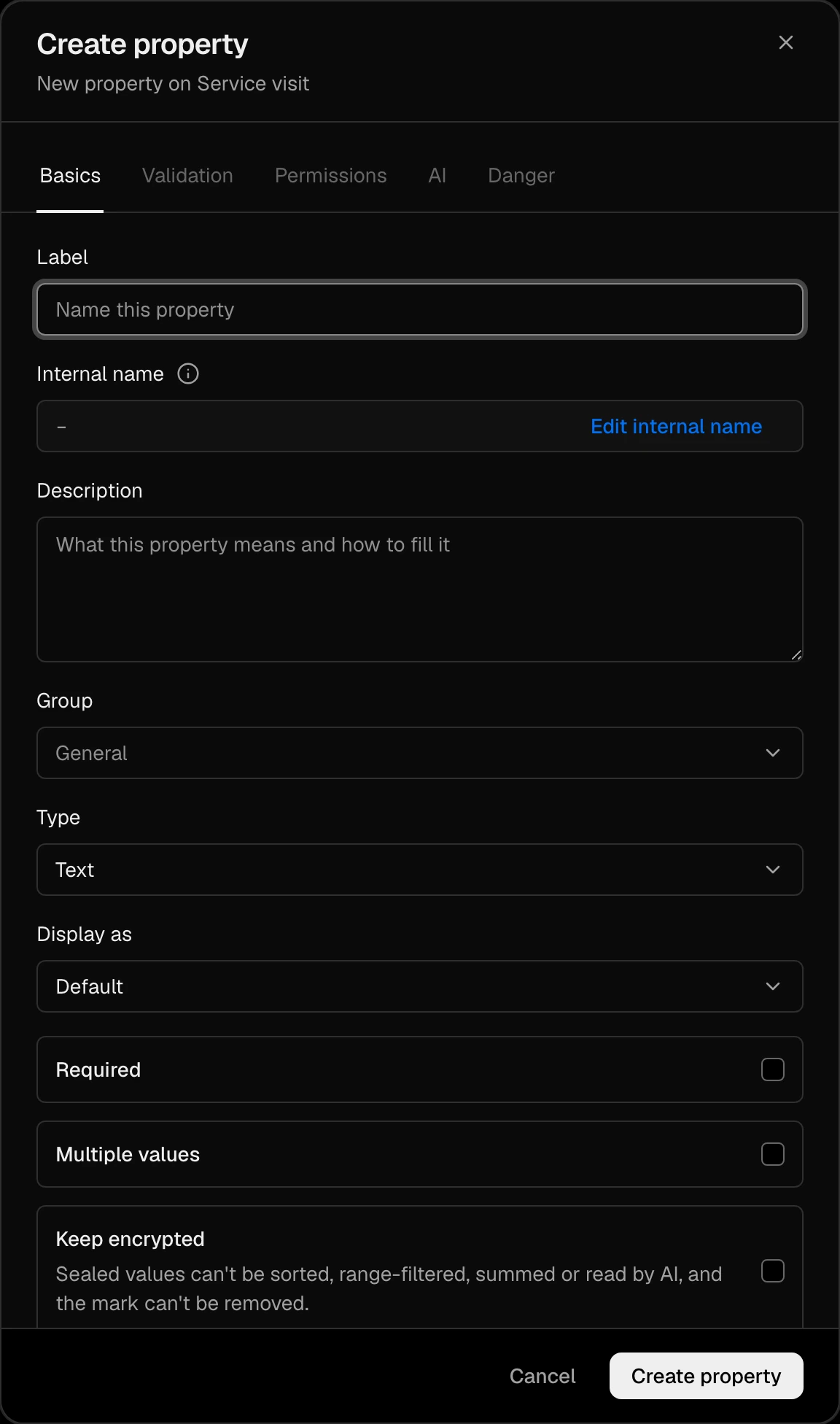
Eighteen kinds of value.
The kind decides how a value is typed in, shown, sorted and added up, the same in every list, on every record and for the Agent.
- TextA name, a code, a short note.
- Long textA description that runs to paragraphs.
- NumberHours, a count, a measure.
- CurrencyAn amount with its currency.
- DateA day, such as the next visit.
- Date & timeA moment, to the minute.
- SelectOne or several choices from your list, each with its colour.
- CheckboxYes or no.
- URLA link that opens.
- EmailAn address you can write to.
- PhoneA number you can call.
- IdentifierA registration or tax number in its country's format.
- AddressA place, line by line.
- FilesDocuments and pictures kept on the record.
- UserA person in your organization.
- Record referenceAnother record, such as the customer of a visit.
- FormulaWorked out from the rest of the record.
- RollupWorked out from the records linked to it.
Set up once. Read the same everywhere.
Required
A record is not saved without it.
Multiple values
A select that holds several choices at once.
Groups
Related properties stand together on the record.
A description
What the property means and how to fill it, for your team and for the Agent.
Up to 200 properties of your own on each kind of record.
Change a property's kind later, and keep every value.
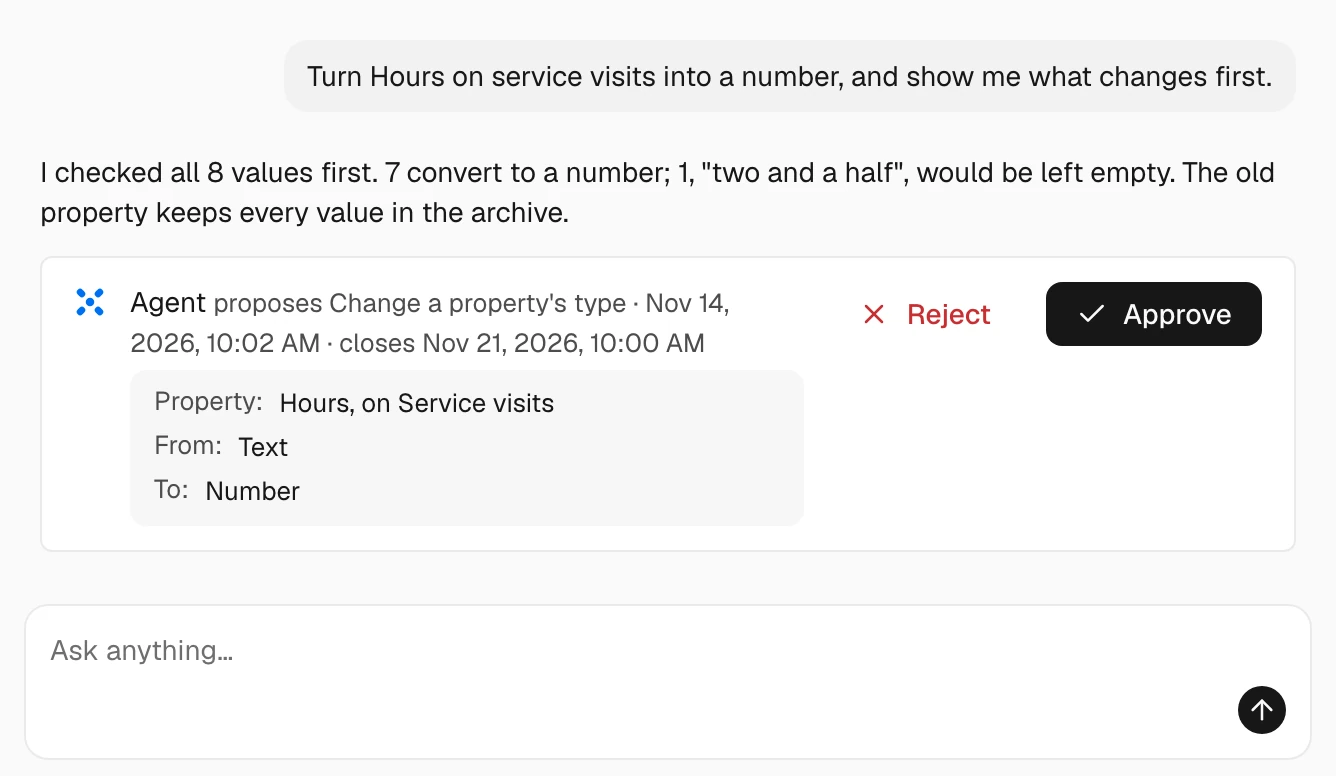
Ask the Agent to turn a text into a number or a date. It works out each value first and shows what converts, what would be left empty and what does not fit, then makes the change and keeps the old property, with all its values, in the archive.
Ask the Agent next
- Add a Site address to service visits.
- Add a select Priority to service visits, with Low, Normal and Urgent.